Published in: Educación 3.0
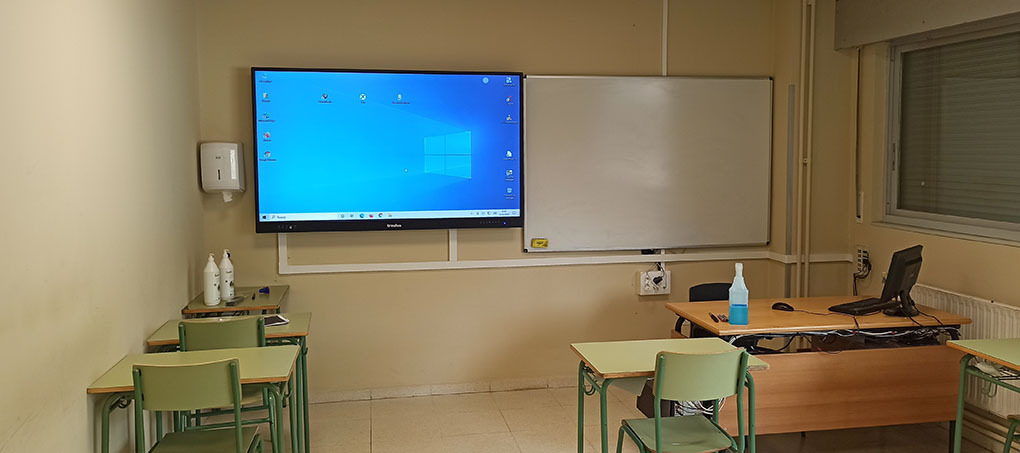
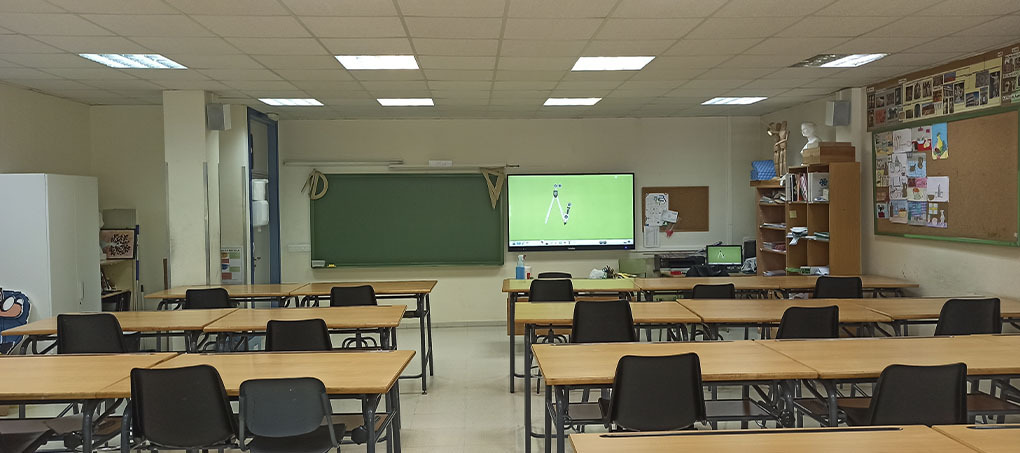
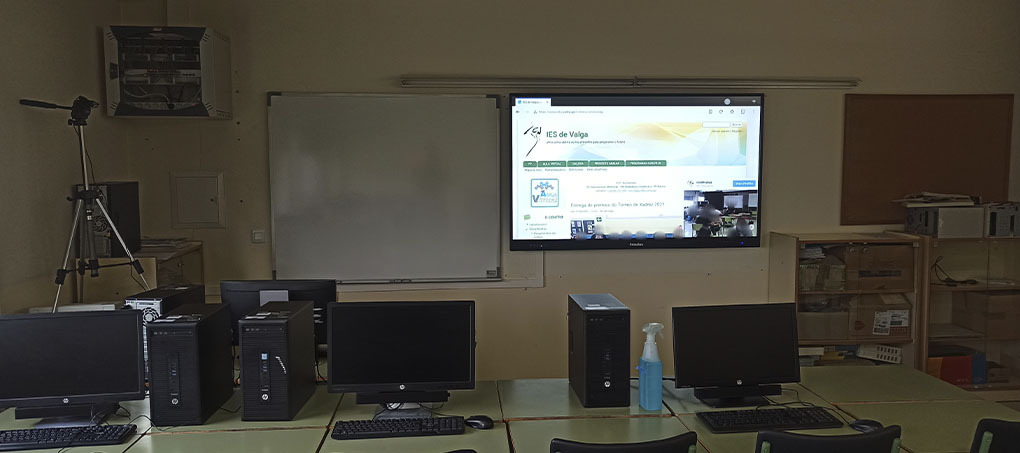
Located in the municipality of Valga, in the north-west of the province of Pontevedra, and opened in 1999, IES de Valga (Galicia) decided to renew its classrooms with 75-inch Traulux TLM80 interactive monitors, which offer a wide range of educational possibilities such as saving files, working in class without the need for a PC and better screen resolution.
This secondary school offers basic vocational training (VT) programmes, an intermediate programme in Welding and Boilermaking and a higher programme in Metal Construction. After seeking advice from the installer Informática Elinfo, in early 2021 it replaced the projectors and interactive whiteboards in its classrooms with 75-inch Traulux interactive monitors and their matching Traulux metal connection boxes to keep the cables tidy.
“We bought the 12 Traulux interactive monitors 6 months ago. They are used to teach lessons, both with the whiteboard and to run pupils’ presentations or work directly from a USB stick,” explains the school’s deputy head, Ana Bueno. She also highlights “the ability to work directly on the monitor, without depending on a PC”.
Features of the interactive monitors
The TLM80 and TLM80-1 interactive monitors from Traulux, distributed by Charmex, have been built to meet the most demanding needs in education. Running the Android operating system, they are easy to use, as it is software users know well and which is also technically stable. On top of this, their processor with 4 GB of RAM and 32 GB of ROM can meet many classroom needs without the need for external equipment.
The TLM series comes with pre-installed applications such as WPS for opening Office files, Gallery for viewing images and VLC for playing videos. It also includes Eshare PRO for managing the ‘BYOD mirroring’ system, or wireless casting from mobile devices, smartphones, tablets and laptops.
Features and benefits of using them in the classroom
Having experienced their use in the classroom, deputy head Bueno highlights multiple benefits: “The visibility problems caused by the brightness of the classrooms when using projectors are over, and we got better image resolution by installing these high-definition monitors”. As for the infinite whiteboard application, she adds: “A distinct advantage over the traditional use of a projector or blackboard is being able to create several workspaces without having to erase them, and then save them to pick up again in another session. Or even send them to pupils so they can access them from home”.
The monitors’ interface and hardware have been designed for maximum simplicity of use, so that the user experience is simple and intuitive from the very first moment. For example, in the whiteboard application you can write freehand smoothly and precisely, erase with your hand, and resize notes and objects to let ideas flow or highlight what matters, with no space limitations, all on one or several pages.
Likewise, the teachers and staff of IES de Valga have received several training sessions from the technicians of the supplier and installer, Informática Elinfo. And, little by little, the teachers are exploring the features of the monitors to use them as a working tool. Today, “they are used every day in the shared classrooms and can be used by all the school’s teaching staff,” explains Bueno.