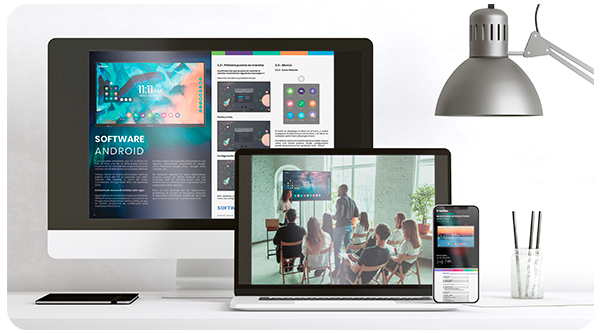
To make Traulux TX90 series monitors easier to use, Charmex (its distributor in Spain) has announced the availability of a free downloadable guide covering everything they can do: a complete manual with video tutorials that describe the most important aspects of these monitors simply and in plain language, so that schools can get the most out of them. The guide is also intended to help those who have not yet made a purchase decision, as it lets them get to know the product in depth.
Videos included
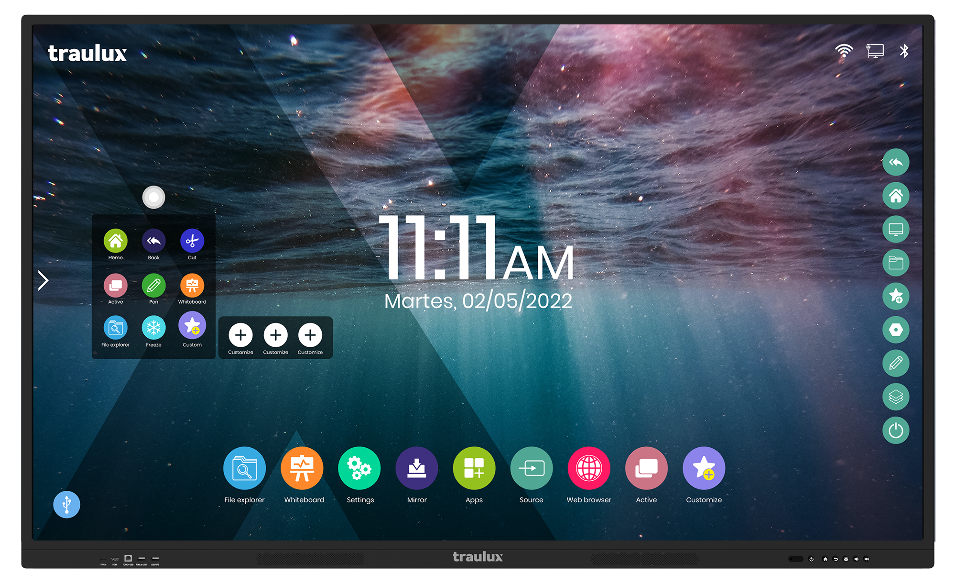
Available in Spanish, Catalan, English, French and Portuguese, this reference tool gives users access to short explainer videos on a range of topics: how to work with two monitors from a single computer, with Office and PDF files, or how to use the built-in app browser, among others. It also includes a detailed description of the most important features of these devices (for example the web browser, active applications, the file explorer… ), together with their remote control options and tools for working comfortably in class.
It also shows step by step how to use everyday functions such as crop and freeze, how to cast content from a laptop, mobile phone or tablet (the Traulux TX90 range is compatible with both Android and iOS), and how to work with some of the Google apps that can be used to a limited extent in their web versions, such as Gmail, the Chrome browser, Drive, Earth, Classroom and Meet.